WordPress Maintenance & Support
WordPress updates, backups, security checks, and practical support for the site you already have. We care for sites built by other developers, with an initial review and an agreed scope.
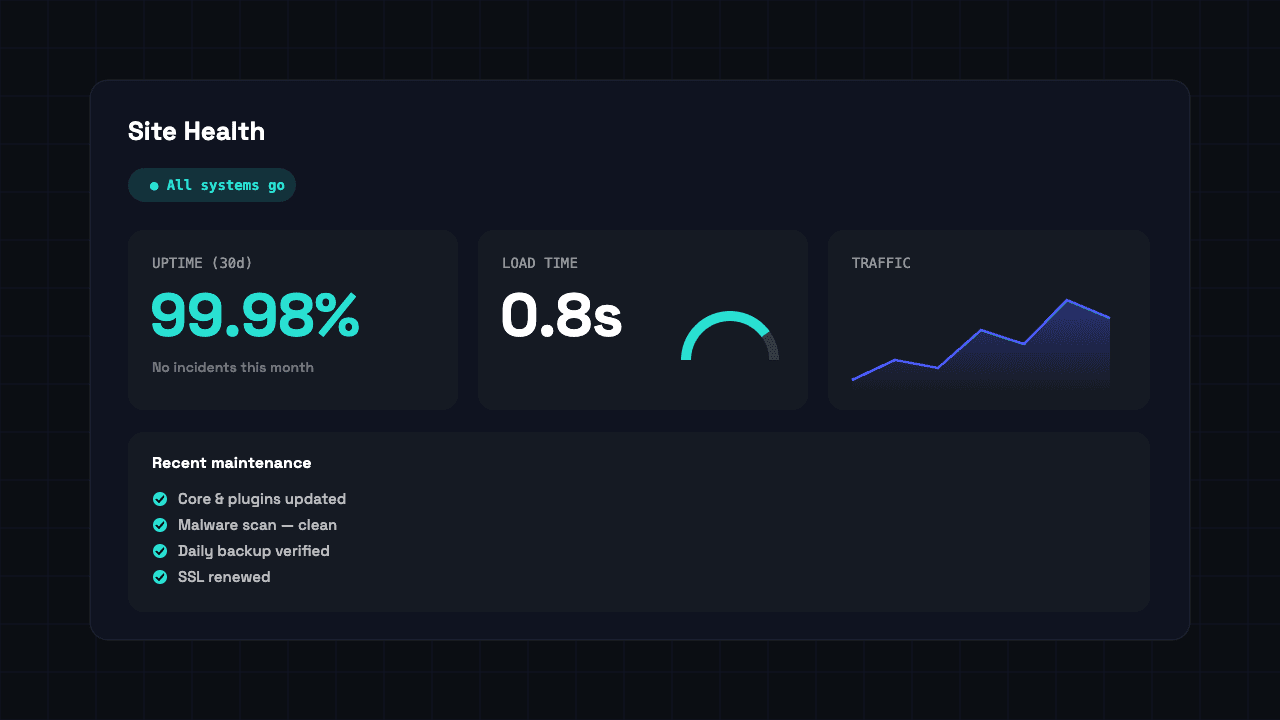
See the work behind the maintenance report
A useful care report connects each task to a recorded check: what changed, what was tested, what remains unresolved, and who owns the next step. It should distinguish work completed from work that still needs a decision.
For example, an update record can identify the version changed and the checks performed afterward. A recovery record can identify the backup used and the outcome of a restore test. These are examples of evidence to request, not claims about work performed on a customer site.
View the sample maintenance reportWhat's included.
Core & plugin updates
Applied and tested on a schedule — before something breaks.
Security & malware scanning
Continuous monitoring with cleanup included if anything slips through.
Speed optimization
Caching, images, and queries kept tuned as the site grows.
Backups & recovery
Daily backups, verified — and a tested path back if you ever need it.
Uptime monitoring
We hear about downtime before your customers do.
Content edits
A real person handling the small changes you don't want to do yourself.
Deliverables
- Monthly maintenance report
- Verified daily backups
- Security scanning & cleanup
- Performance tuning
- Uptime monitoring & alerts
- Included content edit hours
A maintenance partner for the website you already have
A site can look fine while updates, backups, and small fixes fall behind. This service supports businesses and nonprofits in San Antonio and nationwide that depend on their website but do not have someone consistently responsible for its upkeep. We can take over an existing WordPress site after reviewing its condition, even when another developer built it.
Bring the website address and the issues your team notices: failed updates, slow pages, an unreliable form, outdated content, or uncertainty about recovery. You do not need to diagnose the cause before getting in touch.
What happens before a care plan starts?
We review the current platform, hosting arrangements, update status, backup setup, and the changes you need help with. That gives the conversation a practical starting point: what requires attention now and what belongs in ongoing maintenance.
Before you commit, we agree on the work included, responsibilities, response expectations, and any initial cleanup or larger development work that needs a separate scope. Share the tasks that matter most so the proposed plan reflects how your organization uses the site.
Know what was maintained and what needs a decision
Your maintenance report records the work completed. Updates, backups, security checks, performance work, monitoring, and content edits give your team a clear account of the site's upkeep.
A care conversation can also identify when a problem needs a larger repair or redesign. Start with the site you have and the outcome you need; we can discuss whether ongoing care or a separately scoped project is the right next step.
Explore our selected software projects and meet founder Jeremiah Castillo before discussing your project.
Sample website maintenance report
This illustrative report is not a customer report, case study, or record of completed work. No website, reporting period, measurements, or test results have been supplied. Every check below is Not assessed.
A real report identifies the website, reporting period, agreed scope, person responsible, evidence references, and next review date. The checks and their frequency depend on the agreed care scope; this sample does not add services or change a plan.
Updates
Status: Not assessed
Record the component and version changed, backup reference, checks performed after the update, and any deferred update with its reason.
Backups and recovery
Status: Not assessed
Record the files and database backup reference, timestamp, retention location, and the date and outcome of a restore test. A backup job completing is not a restore test.
Forms and critical journeys
Status: Not assessed
Record the agreed journey tested, environment, expected outcome, and observed result. A form displaying is not proof that its message arrived.
Security review
Status: Not assessed
Record the scan scope, tool and date, findings reviewed, actions taken, and unresolved items. A clean scan is not a guarantee that a site is secure.
Availability and performance
Status: Not assessed
Record the monitoring window and coverage gaps. For performance checks, record the page, device and test conditions before comparing results.
Content and decisions
Status: Not assessed
Record approved edits, checks after publishing, outstanding work, its owner, and the next review date. Separate completed work from items awaiting approval.
Open items and next steps
No findings or completed tasks are asserted in this sample. In a real report, list each unresolved item, its impact, owner, proposed next action, and whether approval or a separate scope is needed. Do not mark a check complete without its supporting evidence.
WordPress recovery normally requires both files and the database. See the official WordPress backup guidance and our WordPress care verification guide for questions to ask.
Want to discuss care for your existing site? Share its address and the maintenance problems you notice. Do not send passwords or private records.
Discuss care for your websiteA clear path, every time.
Map it
Flows, data, and outcomes on paper before any code.
Build it
Tested, documented, on current standards.
Ship it
A working system, app, or site — in the real world.
Run it
We stay on to automate, maintain, and improve.
Common questions
What's included in a care plan?
Core and plugin updates, daily verified backups, security and malware scanning, performance tuning, uptime monitoring, and a block of content-edit hours each month — with a report showing what was done.
What should I send when asking about WordPress maintenance?
Share your website URL, who currently maintains it, and the updates or problems you need help with. We review the existing setup before agreeing on a care scope. Do not send passwords or login details in the inquiry form.
Do you only maintain sites you built?
No. We take over existing sites, including WordPress installs built by someone else. We start with an audit so you know what shape it's in before committing.
What happens if my site gets hacked?
Cleanup is included. We restore from a verified backup, remove the compromise, close the hole that allowed it, and document what happened.
How quickly do you respond?
Monitoring alerts us to downtime immediately. Routine requests are handled within one business day; anything affecting availability is treated as urgent.
Plan your website care
Share your website URL, who maintains it today, and what needs attention: updates, backups, security, speed, or content changes. Please do not include passwords or other login details.