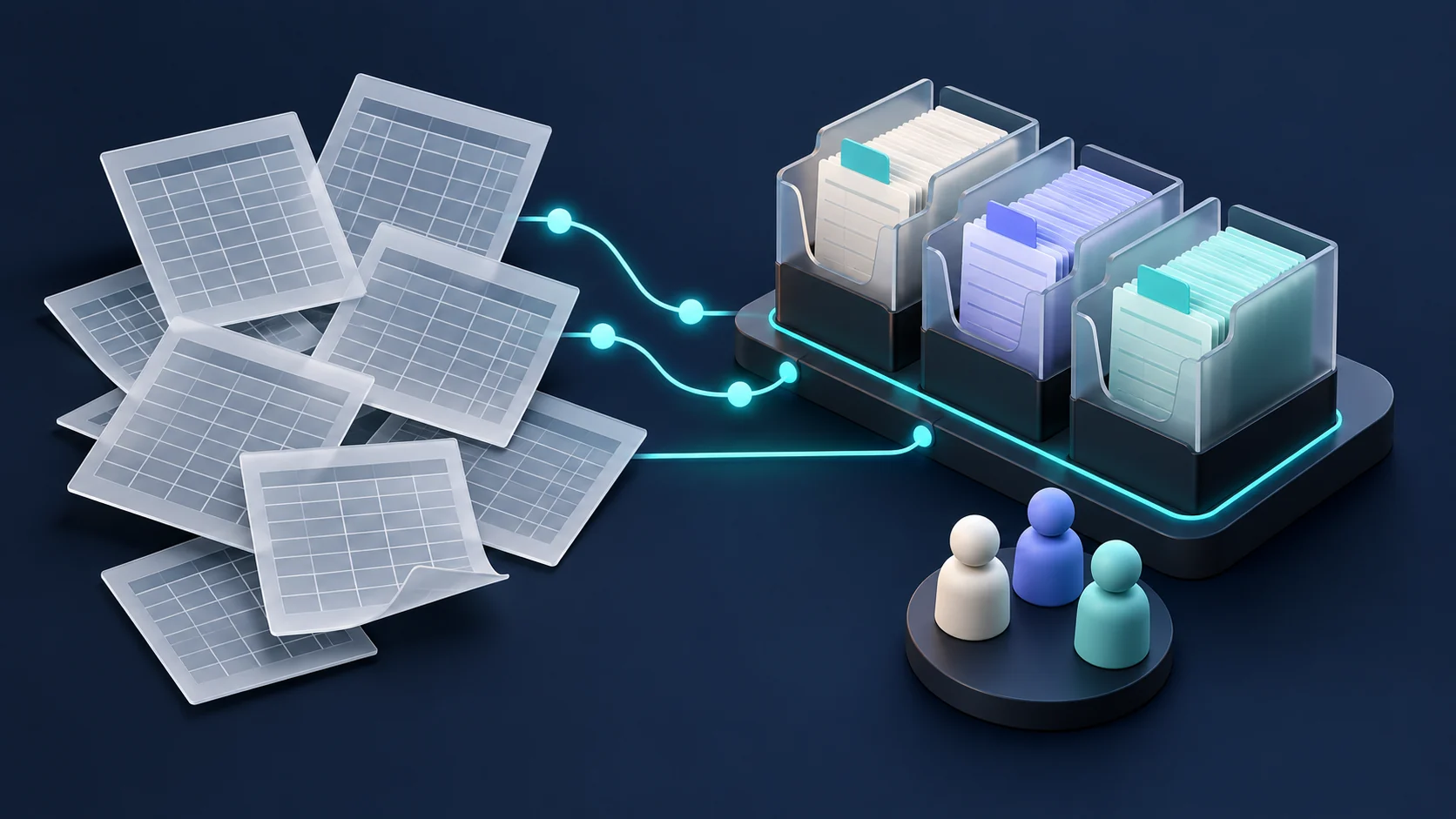
A nonprofit should consider replacing spreadsheets when record ownership, permissions, handoffs, and repeated reconciliation become harder to manage than the work itself. The trigger is operational friction, not a particular row count. First clarify the process and evaluate existing software; build a custom system when important requirements still remain unmet.
Recognize what the spreadsheet is doing well
Spreadsheets are useful for exploration, small inventories, one-time analysis, and processes that are still changing. A team can adjust a column or try a new calculation without commissioning software. That flexibility is valuable while the organization learns what information it needs.
The question is whether the spreadsheet remains a working tool or has become an informal application. If it now coordinates several teams, contains sensitive case records, drives recurring communications, and depends on one person's formulas, the organization may have accumulated responsibilities the file was never designed to make explicit.
Before replacing it, identify the useful parts. Which views help people decide what to do? Which calculations are trusted? Which notes contain context a new database must preserve? A migration should retain that understanding rather than discard it with the old file.
Look for recurring operational symptoms
Consider a more structured system when several of these conditions persist:
- Staff maintain different versions of the same donor, participant, volunteer, or program record.
- Someone repeatedly reconciles exports before producing a report.
- Access is broader than a person's role requires.
- Changes cannot be attributed reliably to a person and reason.
- Important work depends on reminders outside the record itself.
- A departure or absence leaves the team unsure how the file works.
- Staff use hidden columns, color conventions, or comments as an approval process.
Each symptom points to a requirement. Duplicates suggest identity and matching rules. Unclear changes suggest record history. Missed handoffs suggest assigned work and status transitions. Turning symptoms into requirements is more useful than asking for a web version of the spreadsheet.
Decide whether existing software can cover the need
Start with the products already used for donor management, accounting, scheduling, or casework. Check whether an underused feature, a cleaner process, or a limited integration would solve the problem. A new custom database can make work harder if it becomes another disconnected source of truth.
Evaluate potential tools using real scenarios. Ask a staff member to enter an incomplete intake, update an existing record, correct a duplicate, and prepare the report that currently takes the most effort. Observe where the workflow fits and where people need a workaround.
If a product handles the central process well, configuration may be the practical choice. Custom development becomes more compelling when essential relationships, permissions, or workflows are distinctive and remain poorly supported after a realistic evaluation.
Design records and access before screens
Agree on the main entities and their relationships. A person may be both a volunteer and a donor; a household may include several participants; a program enrollment is different from a person's contact details. Storing each relationship as another copied row can reproduce the old problem in a newer interface.
Define who can see and change each category of information. OWASP recommends limiting access to what is needed and checking permissions on requests. A shared application should enforce those decisions in its backend rather than relying on a hidden button. OWASP authorization guidance.
Use approved sample data during design. Decide how long records should be retained, who can export them, and how corrections are made. The organization should identify any additional requirements associated with its particular programs and information.
Treat migration as a project stage
Keep an untouched source copy. Map old columns to the new records, identify duplicates, and document transformations. Run a trial import before setting a cutover date. Compare record counts and inspect a sample that includes unusual cases, not only easy rows.
An illustrative volunteer system might separate people, availability, assignments, and training records. A trial migration should verify that a volunteer's active assignments and completed training remain associated with the correct person. Importing the same total number of rows would not establish that the relationships survived.
Agree on a short period for final changes to the old system, the reconciliation procedure, and a rollback decision point. Avoid indefinitely maintaining both systems without defining which one is authoritative.
Measure the change in ordinary work
Record how long intake, corrections, handoffs, and reporting take before the change. After launch, include the time spent supporting staff and resolving migration exceptions. Ask whether people can complete the work with less uncertainty, not merely whether they prefer the appearance of the new screens.
A useful first scope is one connected workflow with a clear owner and a report that demonstrates its completeness. Kre8ivTech's custom software service focuses on these operational relationships. Start with the existing nonprofit workflow audit, then bring the process and sample reports to a project discussion.